Have a Question?
My player stopped playing music after the firmware upgrade. How do I troubleshoot this?
If your player stopped playing music after the update, please follow the following troubleshooting steps.
- Press the power button to make sure your player is turned on.
- Make sure you have a channel selected
- Press the HOME button.
- This will toggle between the Settings Menu and the “Now Playing” screen.
- If you see album art on the “Now Playing” screen, you player is working properly.
- Check your audio system to make sure it is tuned on and connected properly.
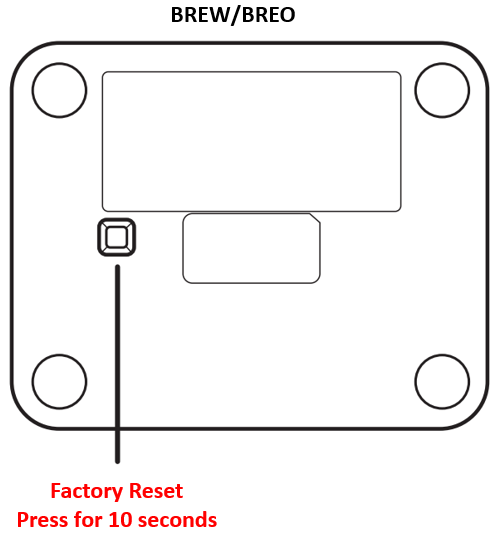
- Factory Reset
- You may need to factory reset your player.
- Note: You will need to re-enter your SiriusXM username and password
- BREW/BREO – Hold down the button on the bottom of the radio for 10 seconds.